iniBuilds Airbus A310-300
Updated 13 November 2026
The shorter, longer-range sibling of the A300 that introduced Airbus’s two-pilot glass cockpit.
Standard day-to-day procedures for a realistic flight experience.
Cockpit Preparation
Safety Check
0/1Hydraulic Panel: CHECK (Overhead Panel. Check the ELEC PUMPS switch is OFF. Don't pressurise the green system without ground clearance.)
Gear: DOWN (Main Panel. Check the gear lever is down.)
Thrust Levers: IDLE (Pedestal. Verify thrust levers are at the idle detent before applying power.)
Fuel Levers: OFF (Pedestal. Ensure both engine fuel cutoff levers are in the off position to prevent premature fuel flow.)
Flap Lever: AGREE (Pedestal. The flap lever position must match the indicated flap setting before powering hydraulics to avoid uncommanded movement.)
Reverser Levers: DOWN (Pedestal. Check both reverser levers are stowed down.)
Ignition: OFF (Overhead Panel. Ignition selector at OFF. A or B is used only for engine start, CONT RELIGHT for heavy rain, icing or turbulence.)
Wipers: OFF (Overhead Panel. Ensure windshield wipers are off to prevent scratching dry glass.)
Weather Radar: OFF (Pedestal. Keep the radar off during cockpit preparation. It is tested later in the flow.)
Power-Up
0/4APU Fire Test: TEST (Overhead Panel. Hold the test button to verify the APU fire warning systems are operational.)
Engine Fire Tests: TEST (Overhead Panel. Perform a fire test for each engine to ensure warning lights and bells function correctly.)
APU Start
0/5Overhead Flow
0/7Overhead Panel: CHECK (Overhead Panel. Scan for any white indicator lights. In a normal dark cockpit configuration, none should remain illuminated.)
After APU Available
0/2Internal Lights: AS REQUIRED (Pedestal. Adjust cockpit and panel lighting knobs on the side panels and pedestal to suit ambient conditions.)
GND CTL: ON (Overhead Panel. Turn on the Flight Recorder ground control switch to ensure CVR and FDR record while on the ground.)
MCDU Preflight
0/5MCP
0/6EFIS Mode: SET (Glareshield. Adjust EFIS brightness and select the desired ND mode, such as ROSE NAV or ARC.)
Minimums: SET (Glareshield. Set the DH selector to -5, then OFF if no decision height is required for departure.)
Main Panel
0/4Clock: SET (Main Panel. Synchronize or verify the clock time for accurate flight logging.)
EGPWS: TEST (Overhead Panel. Push to test the ground proximity warning system and verify GPWS shows ON after a few seconds.)
Alternate Brakes: CHECK (Main Panel. Set the BRK A/SKID selector to ALTN/ON, release the parking brake and press both pedals fully. Pressure should rise evenly on both sides to 2,000 to 2,700 psi. Release the pedals, set the selector back to NORM and ON, and set the parking brake again.)
Gear Warning Test: TEST (Main Panel. Push the gear warning test button and listen for the audible warning tone.)
Pedestal & Side
0/3Takeoff Warning Test: TEST (Pedestal. Advance Throttle 1 to verify the warning tone and Master Warning, then return to idle. Repeat with Throttle 2.)
Weather Radar: TEST (Pedestal. Select TEST and check the test display on the ND, then return to WX mode.)
Oxygen Mask: TEST (Side Console. Press the test button to verify oxygen flow and communication capabilities.)
Before Start
Pre-Start Flow
0/6Cockpit Door: LOCKED (Overhead Panel. Lock the cockpit door and check its light is out.)
Windows: CLOSED (Side Console. Ensure both flight deck windows are fully closed and locked.)
Engine Start
Engine Start
0/7Clock: START (Main Panel. Start the elapsed timer to monitor the engine start sequence duration.)
Taxi
After Start Flow
0/8Anti-Ice: AS REQUIRED (Overhead Panel. Turn ON if TAT is below 10°C in visible moisture.)
ECAM Status: CHECK (Main Panel. Review the ECAM memo to ensure no residual warnings or abnormal system states exist.)
Taxi Flow
0/4Before Takeoff
Lineup
0/5FMA: CHECK (Main Panel. Look at the Flight Mode Annunciator above the PFD to ensure armed modes correspond to FCU selections.)
T.O Config: TEST (Pedestal. Press the T.O. Config button to verify no configuration warnings trigger.)
Final Checks
0/5Wing Lights: AS REQUIRED (Overhead Panel. Turn wing lights on to enhance aircraft visibility.)
Brake Fans: OFF (Overhead Panel. Delay the takeoff if brake temperature is above 150°C with the fans on, or above 300°C with them off.)
Ignition: AS REQUIRED (Overhead Panel. CONT RELIGHT on a runway with standing water, in heavy rain, or with heavy rain or turbulence expected after takeoff.)
Packs: AS REQUIRED (Overhead Panel. Turn OFF for maximum thrust takeoffs if required by company SOP, otherwise leave ON.)
Terrain on ND: AS REQUIRED (Main Panel. Activate the terrain display if departing in mountainous areas.)
Takeoff
Takeoff Roll
0/5Brakes: AS REQUIRED (Rudder pedals. A rolling takeoff is recommended where possible. Otherwise hold the brakes until the engines are stable at 40% N1.)
Autothrust: VERIFY (Glareshield. The ATS levers stay engaged from cockpit preparation. Check they are still on.)
After Takeoff / Climb
Initial Climb
0/7FMA: CHECK (Main Panel. At thrust reduction altitude, verify P.THR, P.CLB, and NAV are active. The FCU SPD/MACH and V/S windows should be dashed.)
Gear Lever: NEUTRAL (Main Panel. Move the gear lever to the middle neutral position once retraction is complete to depressurize the hydraulics.)
Brake Fans: OFF (Overhead Panel. Turn off brake fans once brakes have cooled.)
Climb Flow
0/2Seat Belts: AS REQUIRED (Overhead Panel. The seat belt signs may be turned off above 10,000 ft.)
Terrain on ND: OFF (Main Panel. Deactivate terrain display to declutter the navigation screen above 10,000 feet.)
Cruise
Cruise Monitoring
0/4TRP: CHECK (Main Panel. Verify the Thrust Rating Panel is in AUTO or CR (cruise) mode.)
Descent
Descent Prep
0/7Top of Descent
0/5Ignition: AS REQUIRED (Overhead Panel. Move to CONT RELIGHT if descending through icing, turbulence, or heavy precipitation.)
Anti-Ice: AS REQUIRED (Overhead Panel. Activate engine and wing anti-ice if TAT is below 10°C in visible moisture.)
Terrain on ND: AS REQUIRED (Main Panel. Activate the terrain display if descending into mountainous terrain.)
Approach
Approach Setup
0/42nd Autopilot: ARM (Glareshield. Engage the second autopilot to enable LAND 2 or LAND 3 dual-channel autoland capabilities.)
FMA: CHECK (Main Panel. Confirm GS and LOC are armed in blue, and switch to active green upon capture.)
Configuration
0/7Speed Brake: RETRACTED (Pedestal. Don't use the speed brakes with flaps 15/15 or more.)
Landing
Landing
0/6Ground Spoilers: CHECK (Main Panel. Check the ground spoilers deploy on the ECAM system display. If they weren't armed, they extend when reverse is selected.)
After Landing
After Landing Flow
0/5Wing Lights: OFF (Overhead Panel. Turn off wing lights if they are no longer needed.)
Pitch Trim: 1° NOSE UP (Pedestal. Set the trim to 1° nose up after landing.)
Brake Fans: AS REQUIRED (Overhead Panel. Turn on brake fans if heavy braking caused high brake temperatures.)
Systems Reset
0/5Anti-Ice: AS REQUIRED (Overhead Panel. Turn off wing anti-ice, keeping engine anti-ice on only if ground icing conditions persist.)
Terrain on ND: OFF (Main Panel. Turn off the terrain display to declutter screens.)
Shutdown & Secure
Shutdown
0/7Clock: STOP (Main Panel. Stop the elapsed timer to record final block time.)
Pressurization: CHECK (Overhead Panel. Verify the cabin differential pressure reads zero before opening doors.)
Systems Off
0/4IRS: CHECK (Overhead Panel. Note the IRS position and error. Reset the IRS for realignment if needed.)
Brake Fans: OFF (Overhead Panel. Turn off brake fans once temperatures are within normal ranges.)
Secure
0/6CRTs: OFF (Main Panel. Turn all display screens off.)
About this checklist
- Aircraft
- iniBuilds's Airbus A310-300 add-on for Microsoft Flight Simulator (MSFS).
- Covers
- 13 phases, from cockpit preparation to shutdown and secure.
- Modes
- 206 items in Full mode, 146 in Normal and 47 in Quick.
- Updated
- 13 November 2026
- Corrections
- If a step is wrong, missing or out of order, use Report Inaccuracy at the top of the page. Reports go straight to the maker, and fixes are listed in the changelog.
- Use
- For flight simulation only. Never use it for real-world flying.
Fly Next
Related Checklists
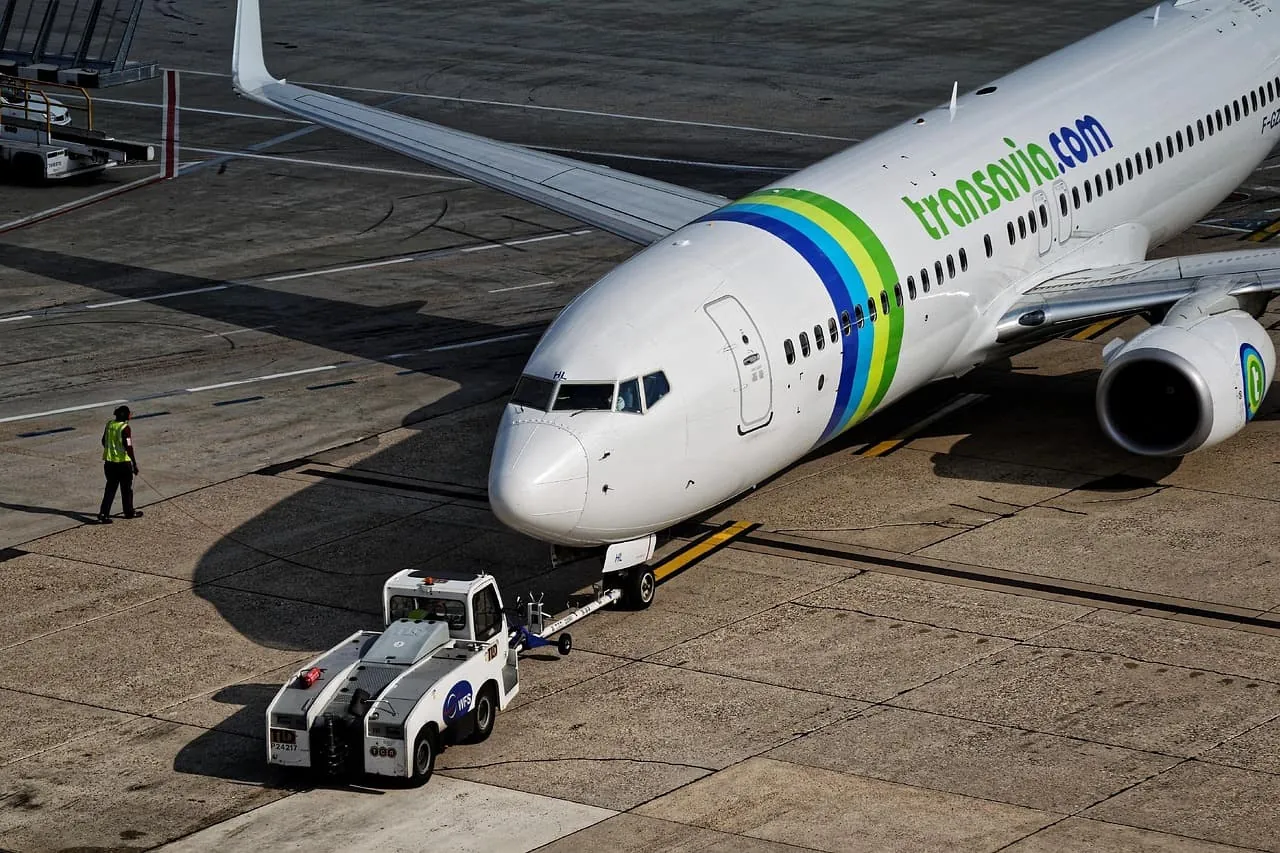
737NG
ALLThe undisputed icon of global aviation, a versatile narrow-body workhorse trusted by airlines worldwide. Procedures cover the 737NG family (-700, -800, -900).
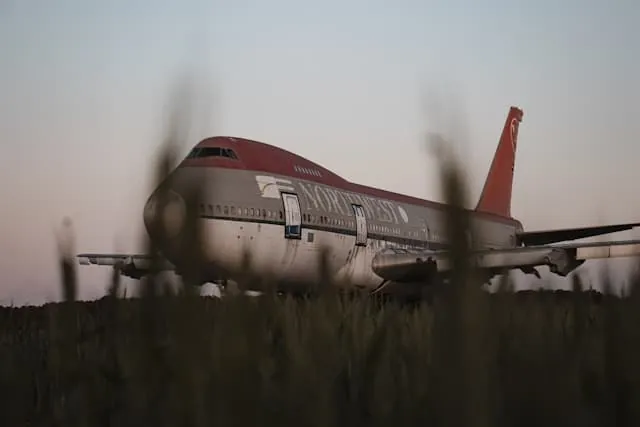
747-8i
The Queen of the Skies, instantly recognizable by its iconic upper-deck that defined aviation for generations.
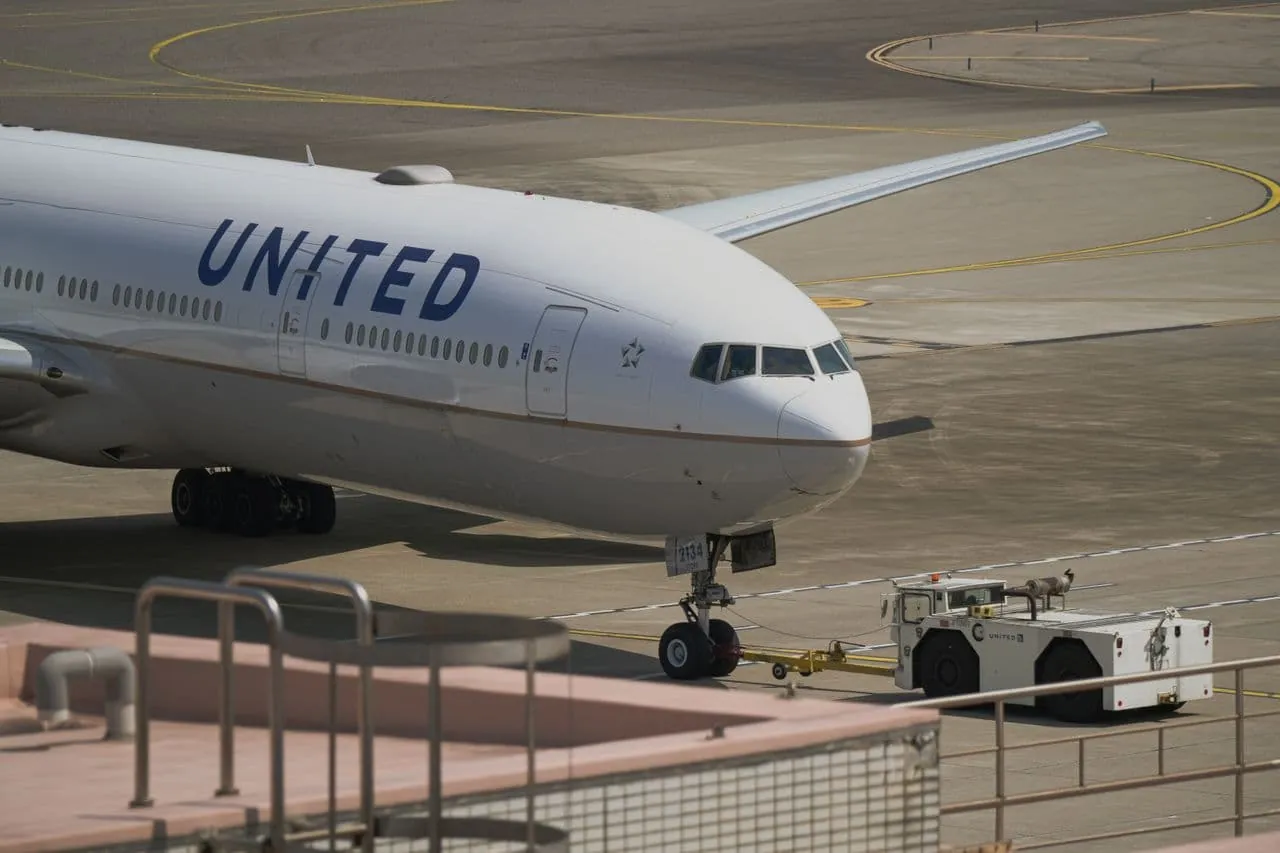
777
ALLA long-range wide-body titan; the 777-300ER flies on the GE90-115B, among the most powerful turbofans ever built. Procedures cover the 777-200ER and 777-300ER.