Aerosoft de Havilland Canada DHC-6-300 Twin Otter
Updated 13 November 2026
Aerosoft DHC-6-300 Twin Otter on wheels. Twin turboprop with a 12,500 lb maximum takeoff weight, 25,000 ft ceiling and 600 to 700 NM range.
Standard day-to-day procedures for a realistic flight experience.
Preflight
Power Up
0/6Cabin Lighting: As Required (Overhead panel.)
Emergency Lights: Arm (Overhead panel.)
Caution Lights: Test (Overhead panel, CAUTION LT switch. TEST lights the caution lights and sounds the stall horn. Then back to DIM or BRT.)
Fire Detection: Test (Fire Detection switch to TEST: the fire bell rings. Fire Bell Mute switch, under the red cover near the left cockpit door, ON (the bell stops), then OFF (it rings again). Then Fire Detection switch to OFF. Done in this order, the sim's own checklist ticks it; otherwise it shows a red X.)
Cockpit Preparation
0/5Fire Handles: In (Glare shield.)
Emergency Fuel: Normal (Glare shield. Emergency fuel switches.)
Emergency Pumps: Both Off (Main panel.)
Static Source: Normal (Main panel.)
Vent Fan: Off (Center pedestal.)
Ram Air: Closed (Center pedestal.)
Overhead Flow
0/1De-Icing Switches: Off (Overhead panel.)
Bleed Air Switches: Off (Overhead panel.)
Pitot Heat: Off (Overhead panel. Turned on before takeoff.)
Bus Tie: Normal (Overhead panel.)
Windshield Heat: Off (Overhead panel.)
Wipers: Off (Overhead panel.)
Landing Lights: Off (Overhead panel.)
Ignition Switch: Normal (Overhead panel. Normal and guarded.)
Levers
0/4Brake/Hyd Pressure: Check (Main panel. Brake and hydraulic pressure indication.)
Engine Start
Pre-Start Flow
0/8Cabin Signs: As Required (Overhead panel.)
Start Right Engine
0/6Start Left Engine
0/7Before Takeoff
Taxi Flow
0/7Voltmeters/Ammeters: Check (Electrical indications after both generators are on.)
Warning Lights: Check (All caution lights should be out except PNEUMATIC LOW PRESS. With bleed air on, it goes out once the power levers are advanced.)
Vent Fan: As Required (Center pedestal.)
Taxi
0/6De-Ice / Deflector: As Required (Overhead panel.)
Run-Up
0/2Prop Feather Check: Check (Retard propeller levers to feather and check the PROP RESET light on. Then return to full forward.)
Beta Range Check: Check (Retard power levers to the beta range. BETA RANGE L and R lights on.)
Lineup
0/11Takeoff
Takeoff Roll
0/8After Takeoff / Climb
Climb
0/10Vent Fan: Off (Center pedestal.)
PAX Signs: As Required (Overhead panel.)
Cruise
Cruise
0/3PAX Signs: As Required (Overhead panel.)
Bleed Air: As Required (Overhead panel.)
Descent
Descent Prep
0/7Fuel Quantity: Check (Main panel.)
Approach
Approach Setup
0/7Configuration
0/5Flaps: 37.5° (Overhead panel, flap handle. Short-field landings only. Normal landings use flaps 20°. Set once a safe landing is assured, at or below 93 KIAS.)
Landing
Touchdown and Rollout
0/5Shutdown & Secure
After Landing Flow
0/5Bleed Air: As Required (Overhead panel. As required or off.)
Pitot Heat: Off (Overhead panel.)
De-Ice: Off (Overhead panel.)
Trim: Reset (Reset trim after landing.)
Shutdown & Secure
0/11About this checklist
- Aircraft
- Aerosoft's de Havilland Canada DHC-6-300 Twin Otter add-on for Microsoft Flight Simulator (MSFS).
- Covers
- 10 phases, from preflight to shutdown and secure.
- Modes
- 160 items in Full mode, 124 in Normal and 55 in Quick.
- Updated
- 13 November 2026
- Corrections
- If a step is wrong, missing or out of order, use Report Inaccuracy at the top of the page. Reports go straight to the maker, and fixes are listed in the changelog.
- Use
- For flight simulation only. Never use it for real-world flying.
Fly Next
Related Checklists
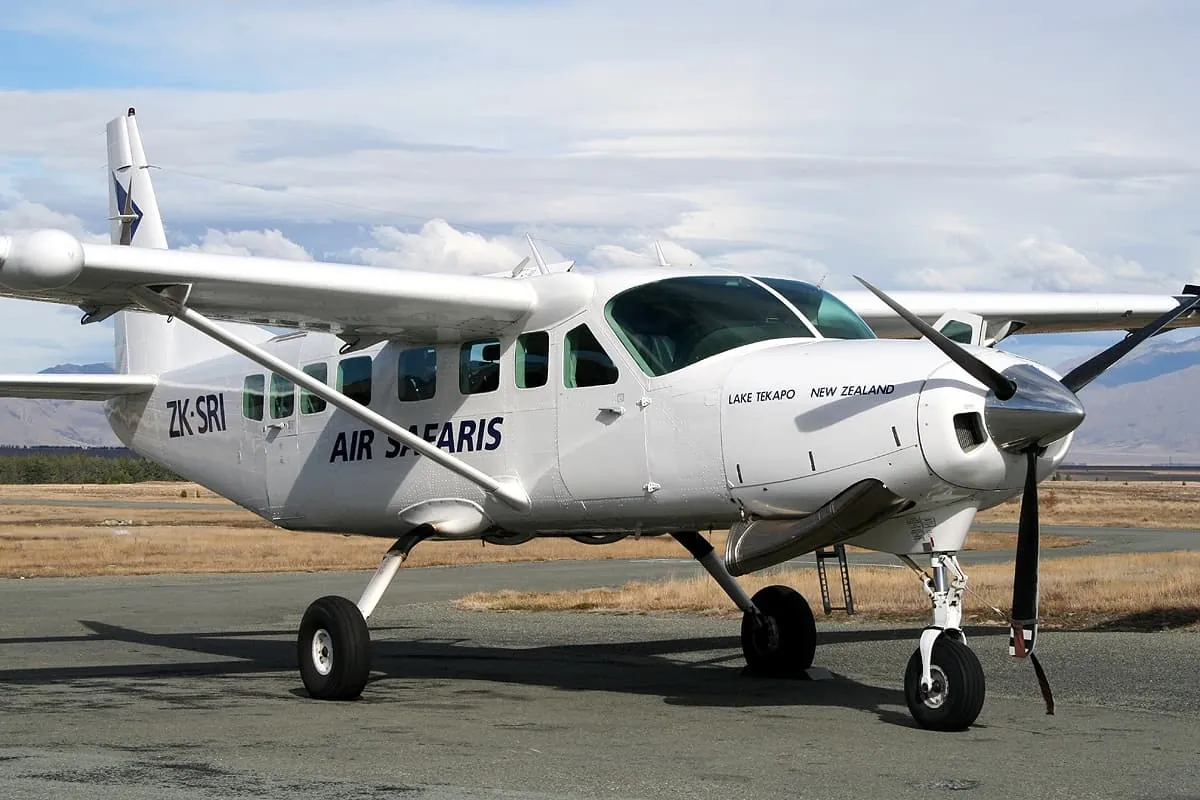
208B Grand Caravan
A legendary go-anywhere platform engineered to conquer unpaved strips and remote missions.
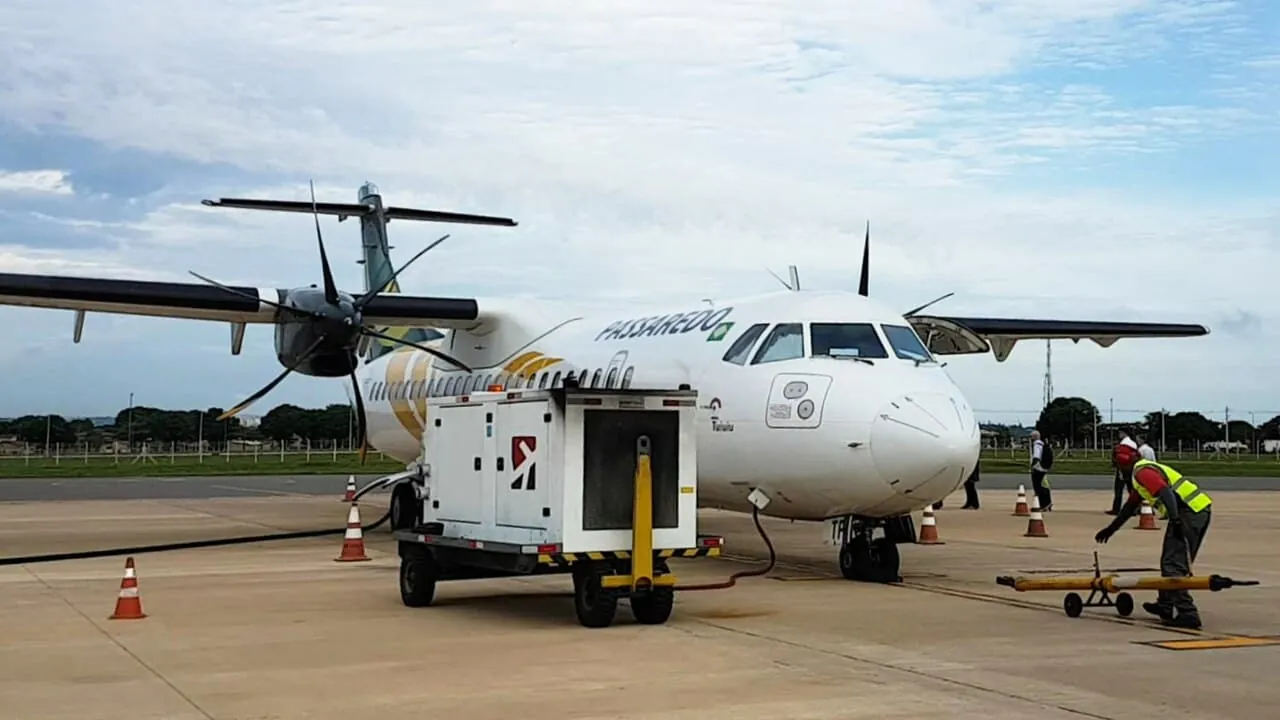
ATR 42/72-600
A rugged regional workhorse of a turboprop built for short-field performance, serving routes from island hops to mountain airstrips.
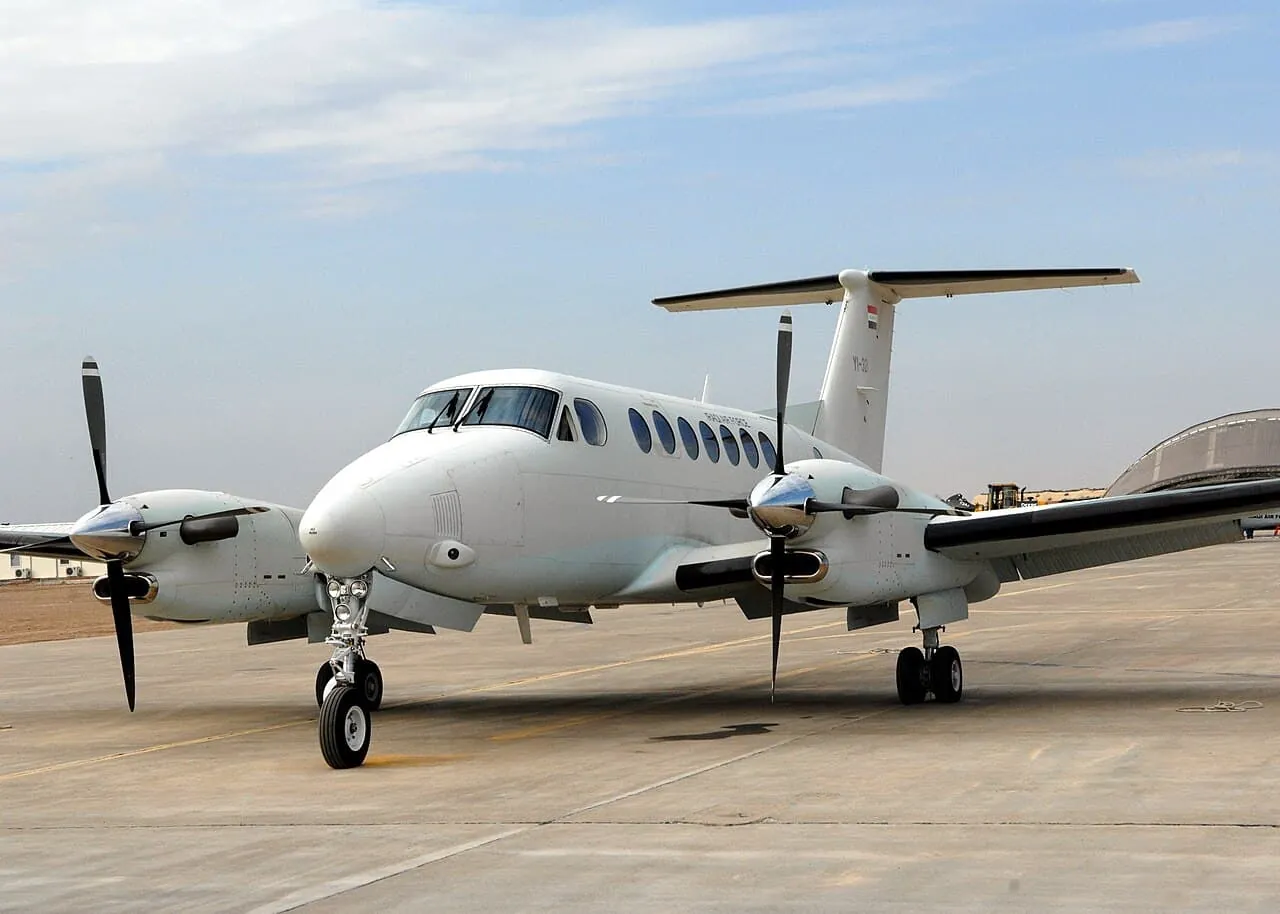
King Air 350i
A pressurized, highly versatile cabin-class aircraft that became the gold standard of corporate turboprops.